
When we hear the word “coding,” it’s easy to picture a child sitting at a computer writing lines of complicated code. But coding is about much more than computers.
At its core, coding teaches children how to break a big problem into smaller steps, look for patterns, test ideas, and figure out what to do when something doesn’t work. These skills are part of something called computational thinking.
Your child doesn’t have to become a computer programmer to benefit from learning how to think like one.
What Is Computational Thinking?
Computational thinking is a way of approaching problems logically and step-by-step.
For children, this might look like:
- Breaking a large task into smaller steps
- Looking for patterns
- Putting instructions in the correct order
- Finding mistakes and trying again
- Thinking of different ways to solve a problem
- Predicting what might happen next
These skills show up everywhere.
A child planning how to build a LEGO tower, figuring out the rules of a game, organizing their backpack, or deciding how to get from one place to another is already practicing some of these skills.
Coding Teaches Kids That Mistakes Are Part of Learning
One of the biggest benefits of beginner coding is that children get comfortable with trial and error. Something doesn’t work? Try changing it. The character doesn’t move where they expected? Look at the instructions and figure out why. The game isn’t doing what they want? Test a different solution.
Instead of seeing a mistake as the end of the activity, coding encourages children to see it as information that can help them try again. That mindset can carry over into math, science, writing, and everyday problem-solving.
Coding Isn’t Just About Technology
Computational thinking can help children become better problem-solvers in almost any area. A child who learns to break a complicated assignment into smaller pieces may have an easier time tackling schoolwork. A child who practices finding patterns may begin noticing connections in math or reading. A child who learns to test different solutions may become more comfortable working through challenges independently.
The goal isn’t necessarily to teach every child how to become a programmer.
The goal is to help children become thinkers, problem-solvers, and confident learners.
Connected Pick
Scratch
Scratch is a free, beginner-friendly coding platform where children can create interactive stories, games, and animations.
Instead of simply watching something on a screen, kids get to build something of their own. They can experiment with commands, change their projects, and see the results of their choices.
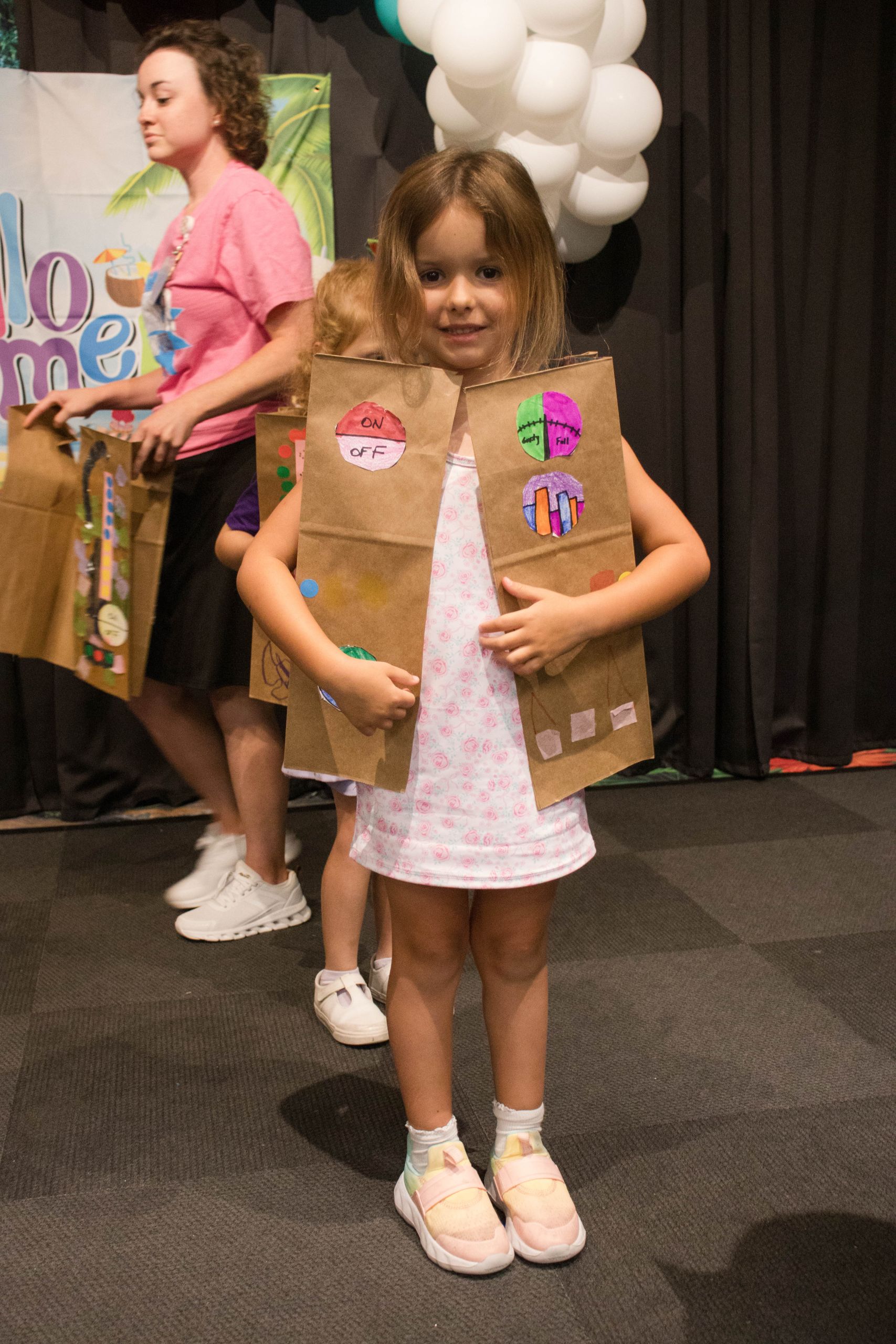
Unplugged Activities
Robot Instructions
You don’t need a computer to practice coding!
Pick one person to be the “robot” and have your child give you instructions to complete a simple task.
For example, place a stuffed animal on one side of the room and have your child give you step-by-step directions to reach it.
They might say:
- Take three steps forward.
- Turn left.
- Take two steps forward.
- Pick up the stuffed animal.
If the instructions don’t work, don’t correct them right away. Let your child figure out what needs to change.